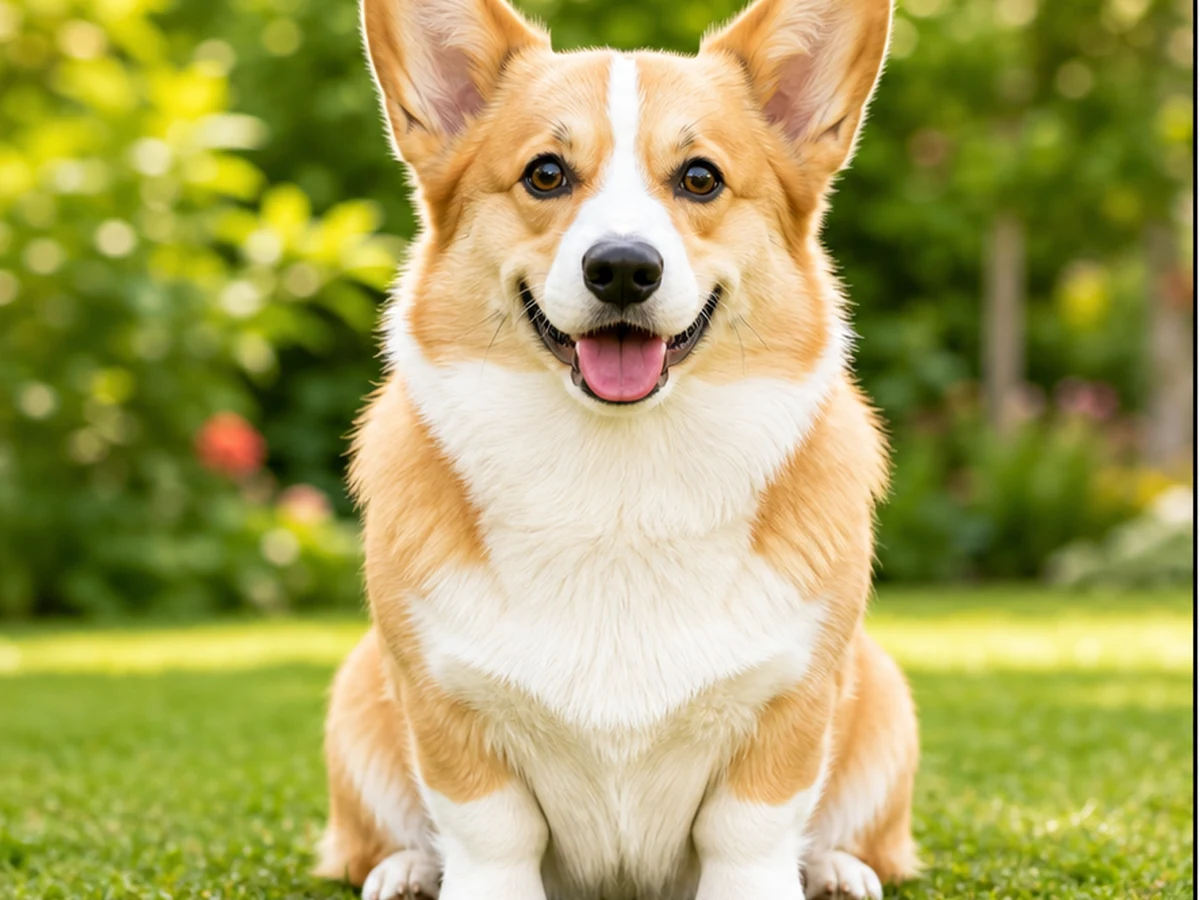
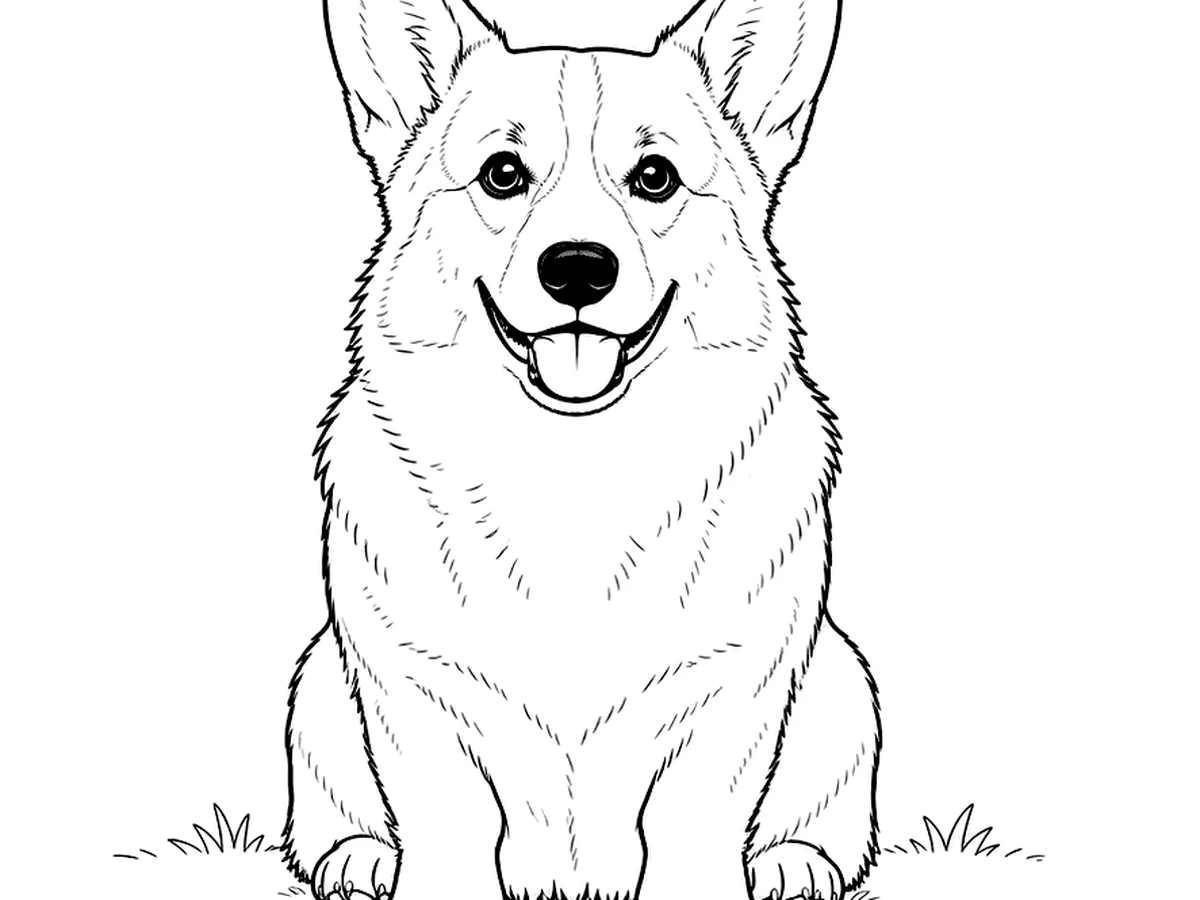
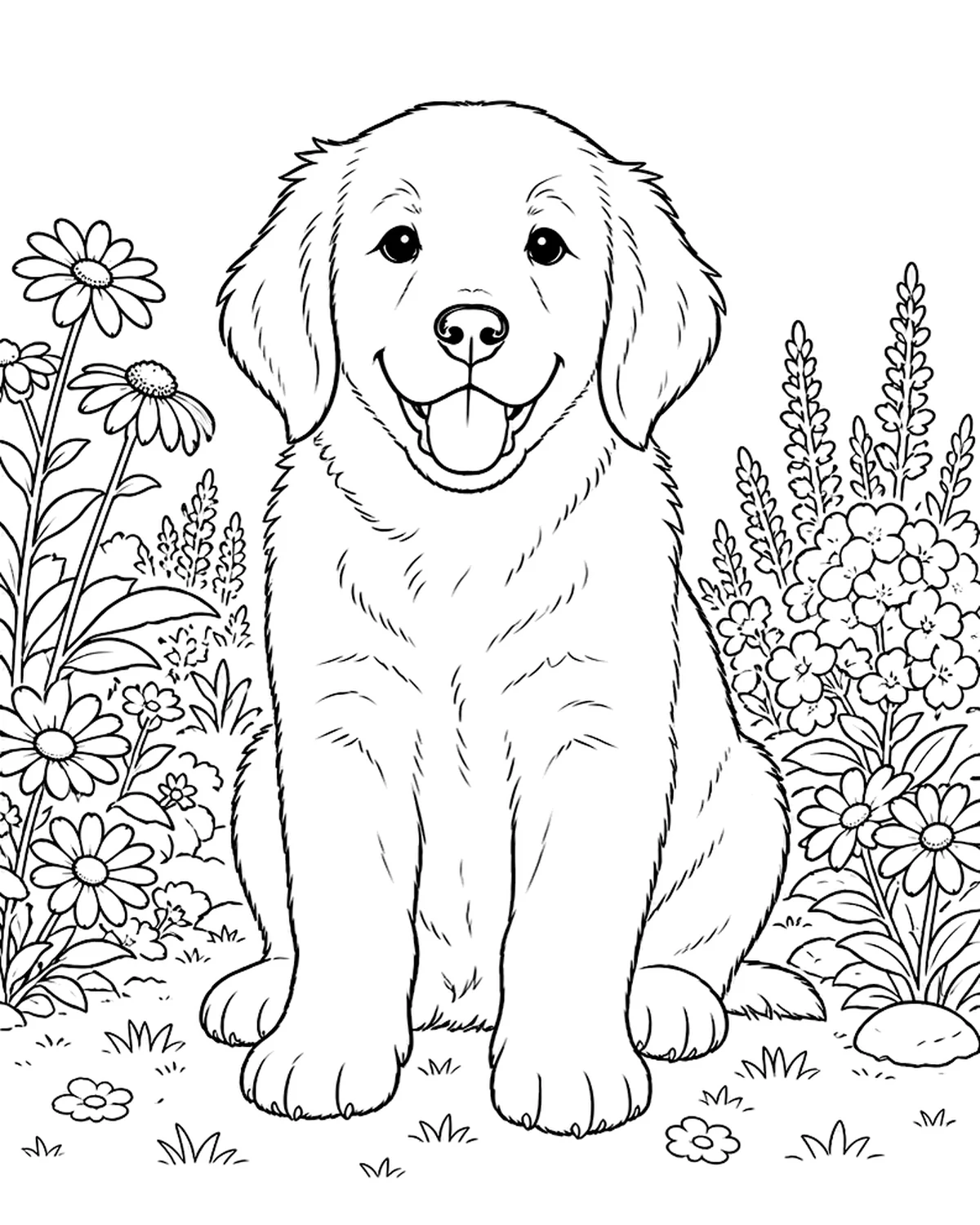
Pet Photo
Clean outline example
Upload a photo and create a clean black-and-white coloring page in seconds. Perfect for kids, parents, teachers, and creative activities.
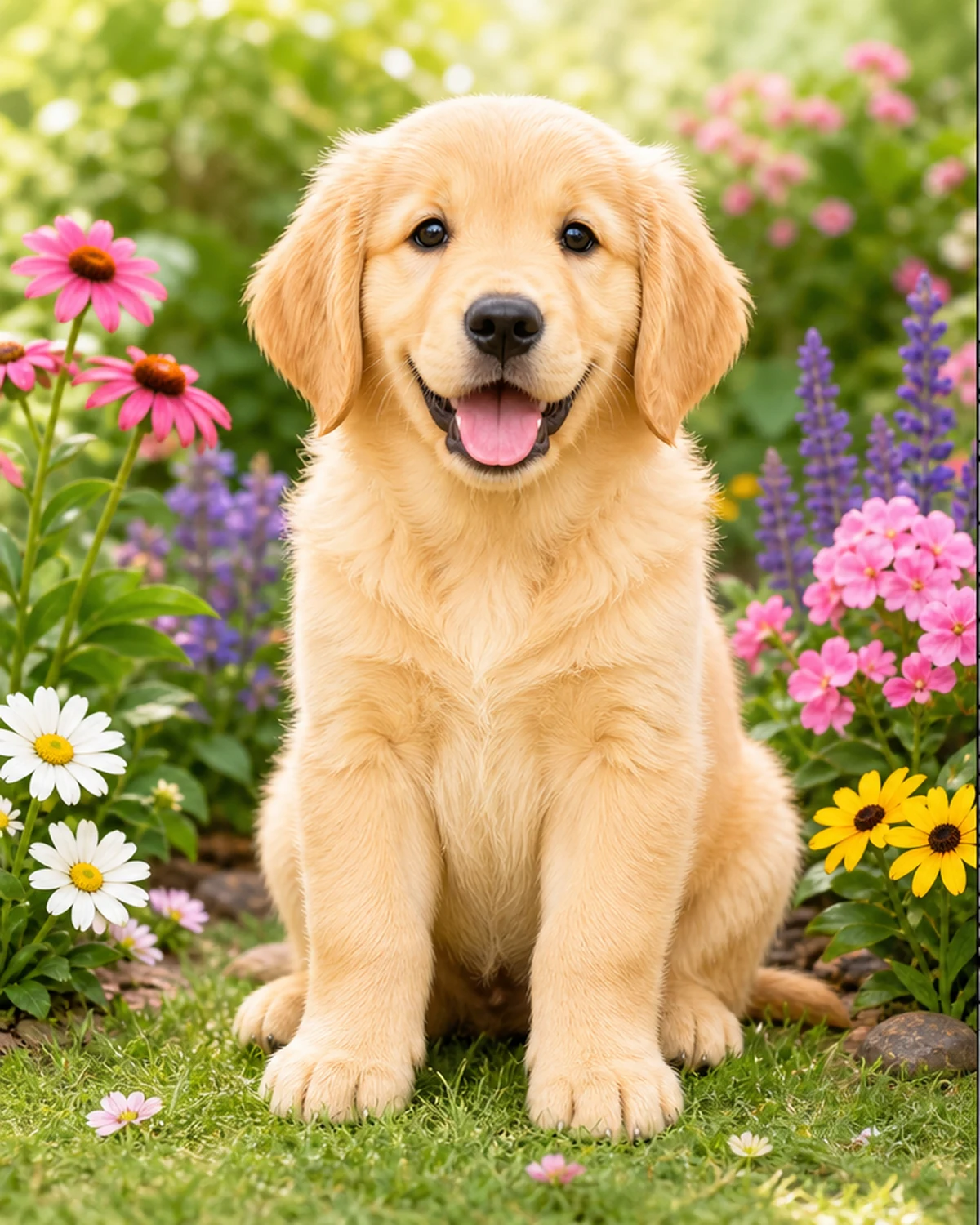
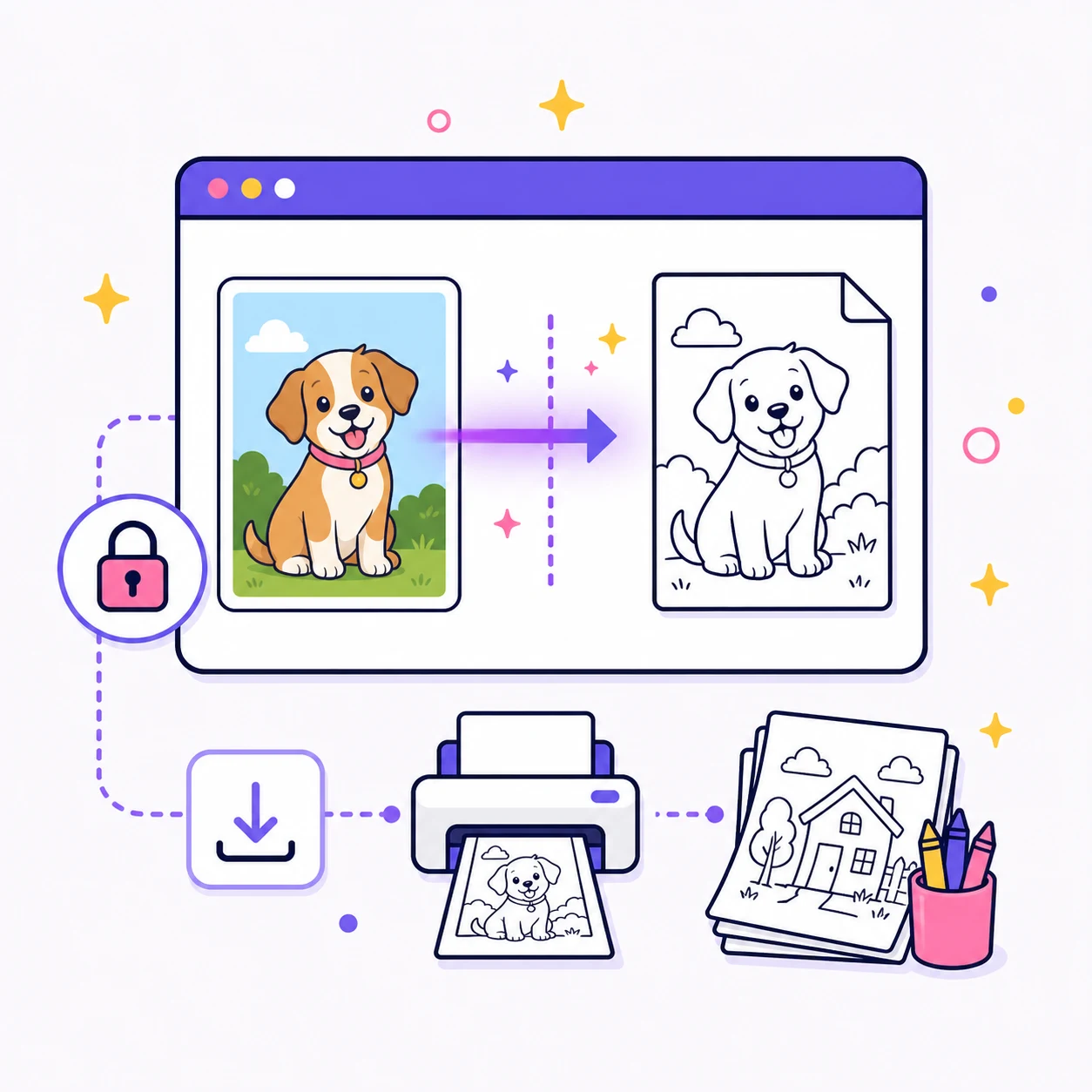
Upload a photo, choose a line style, and create a printable coloring page directly in your browser.
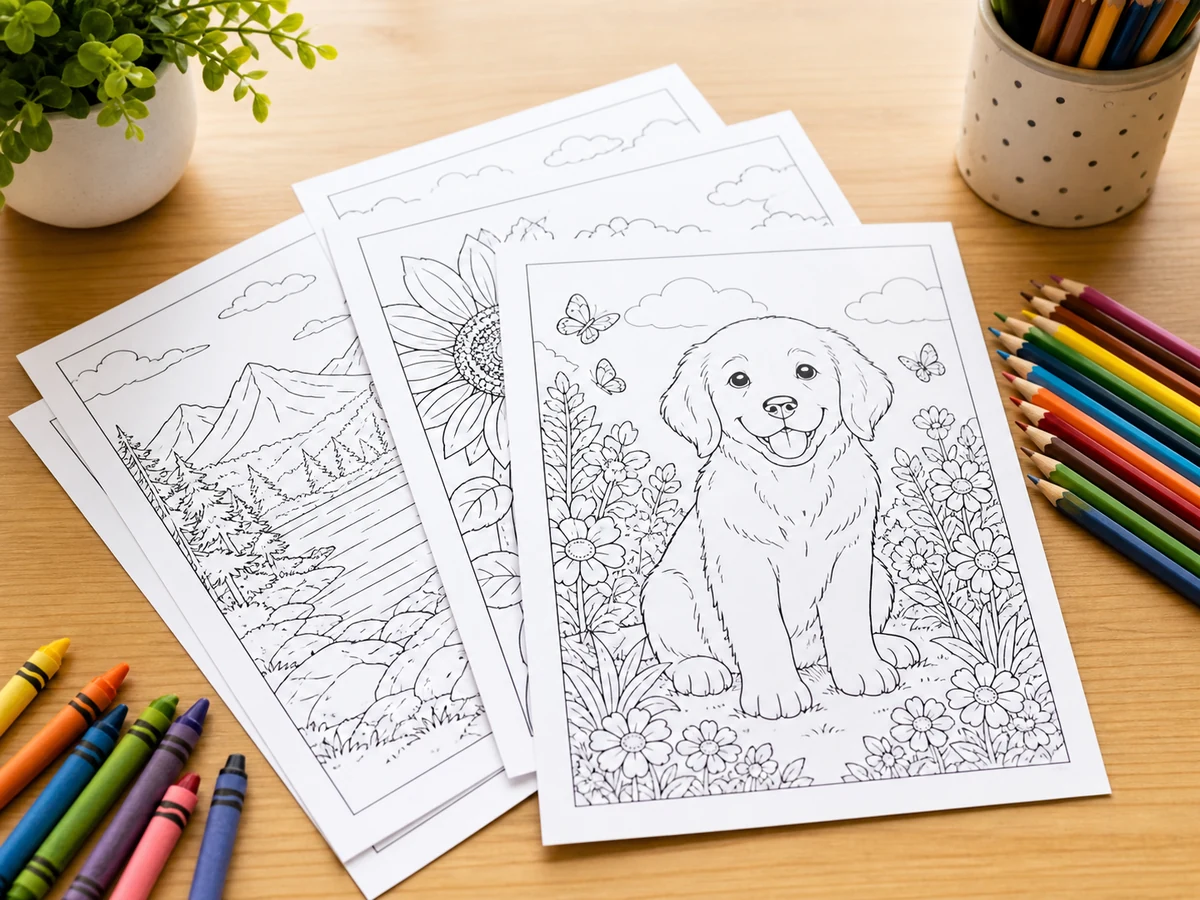
See how everyday photos can become printable coloring page ideas.
Clean outline example

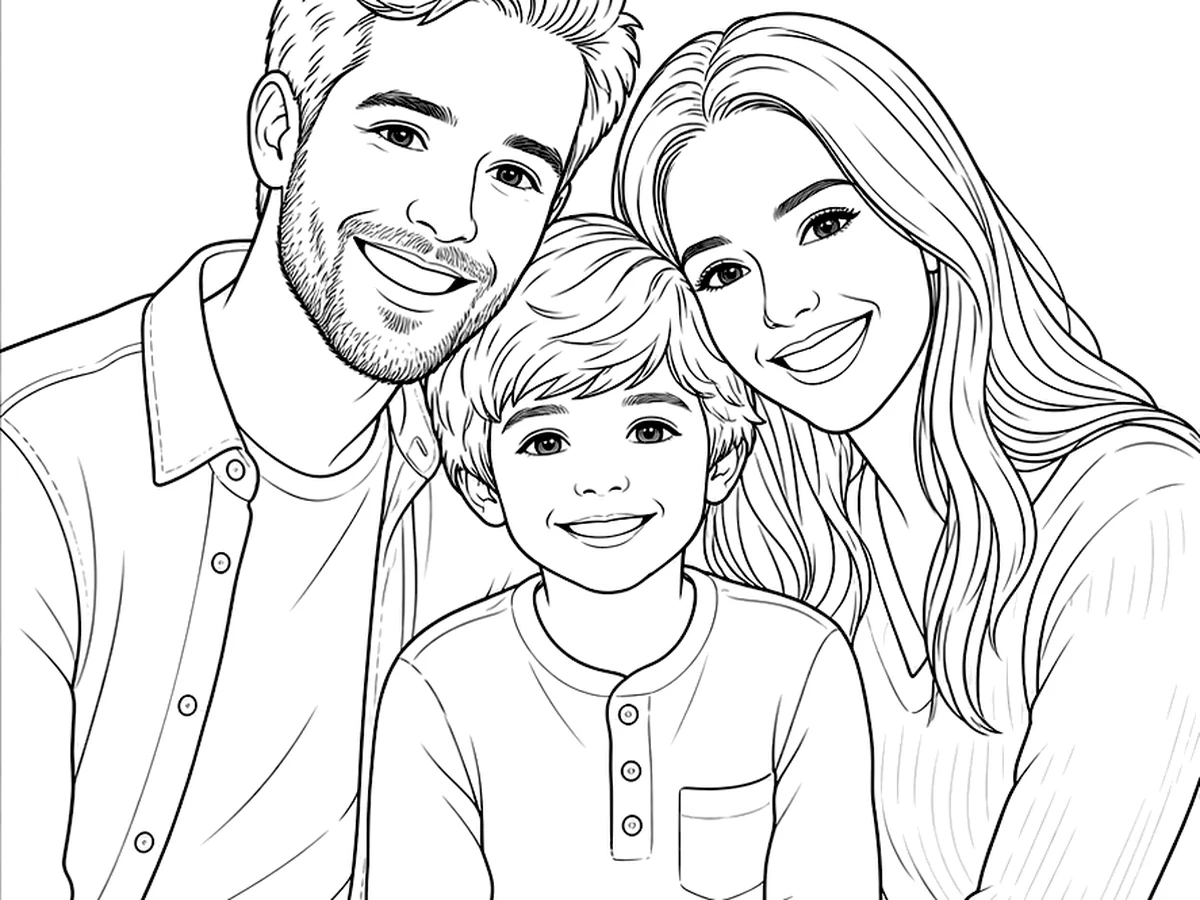
Family outline result
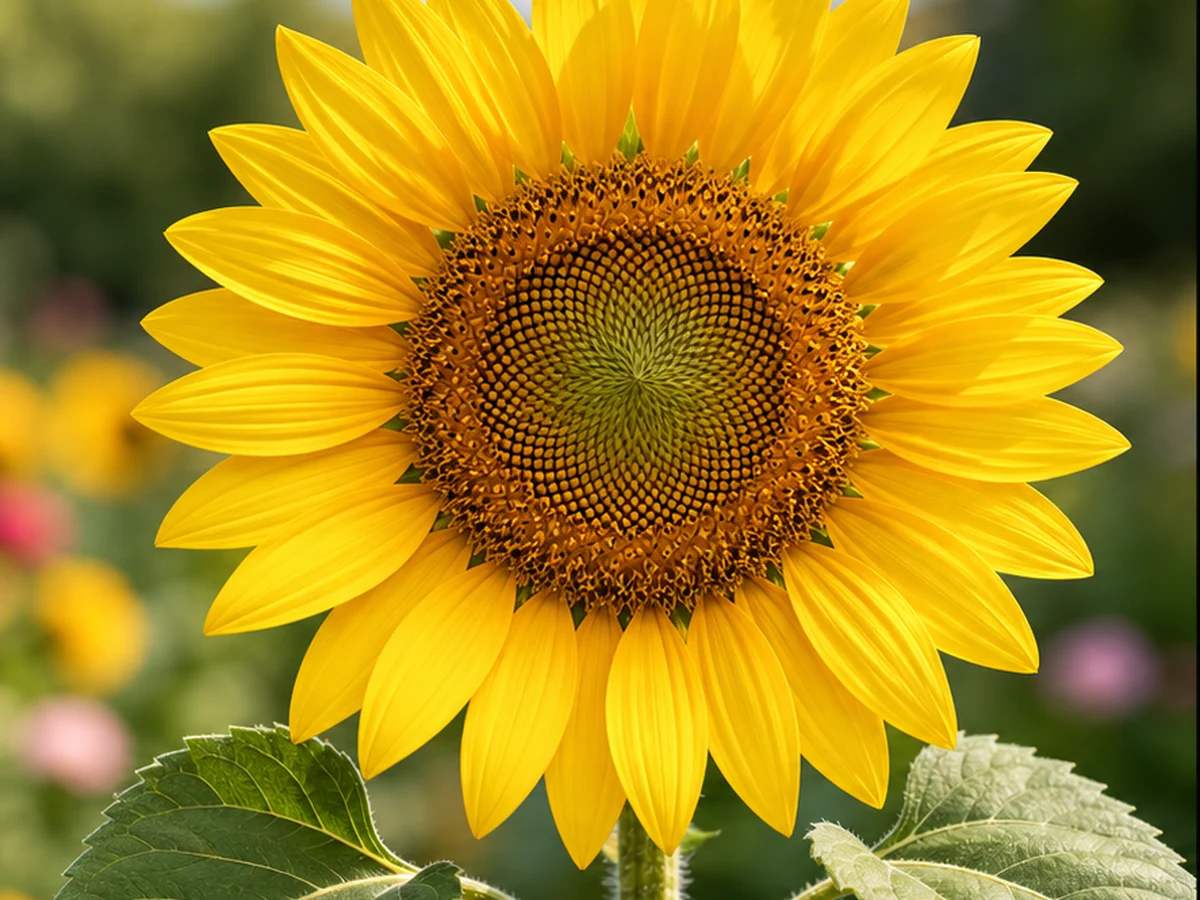
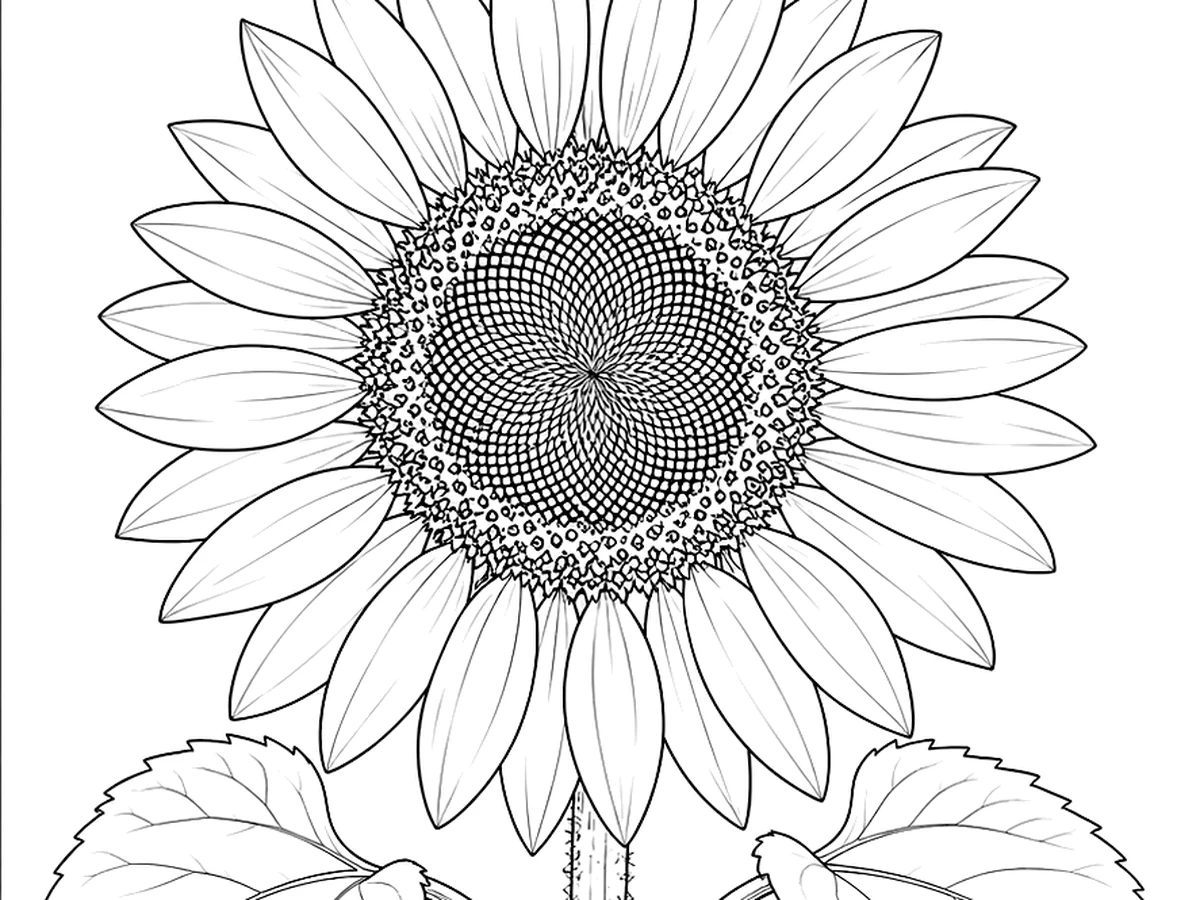
Floral line art result

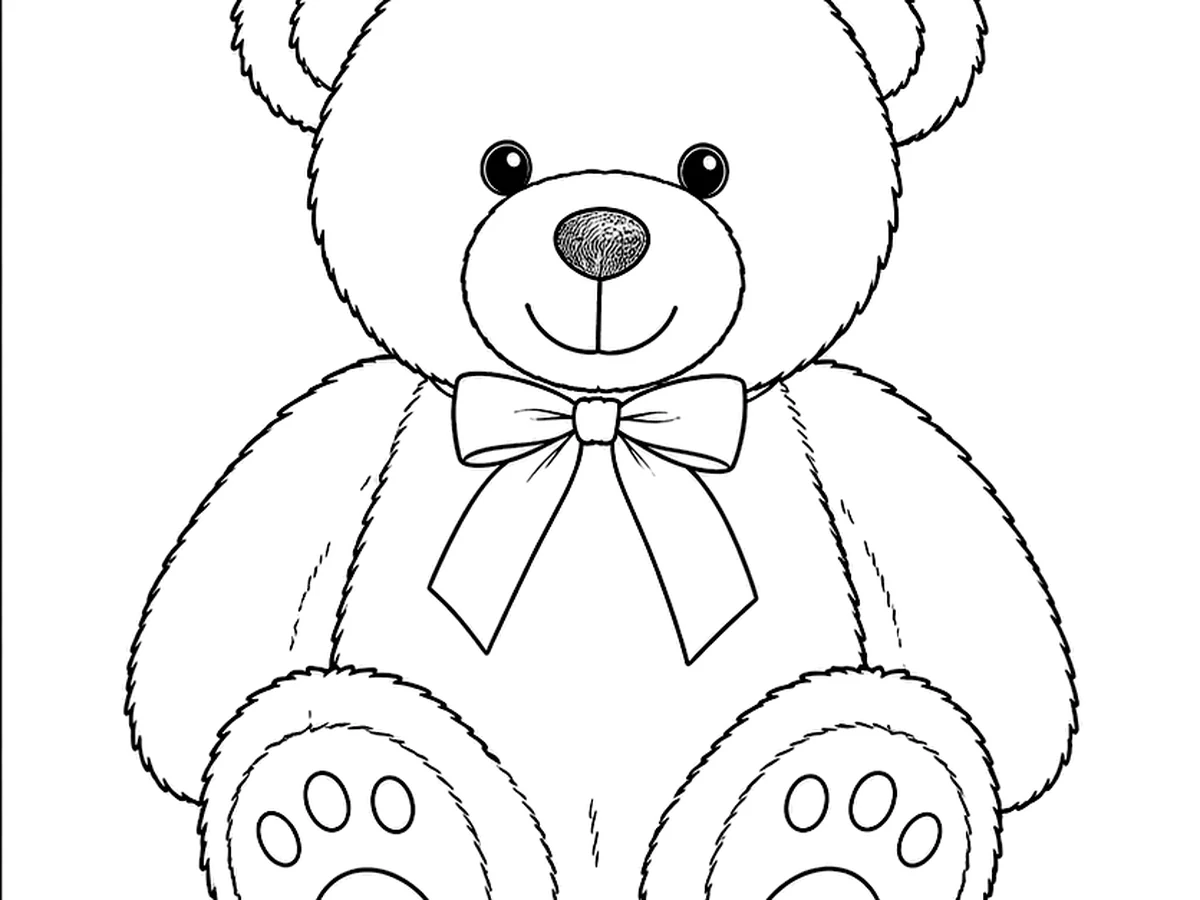
Toy outline result

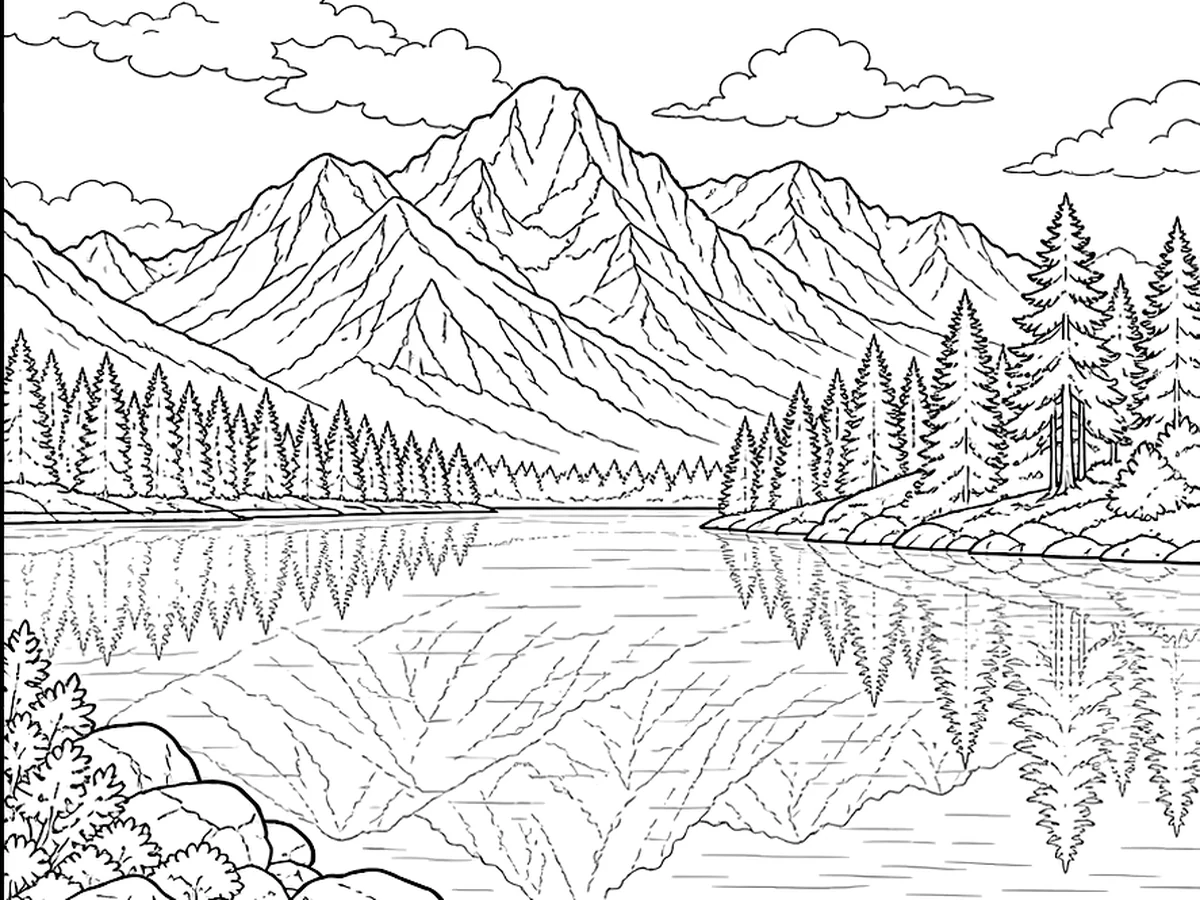
Landscape line art result
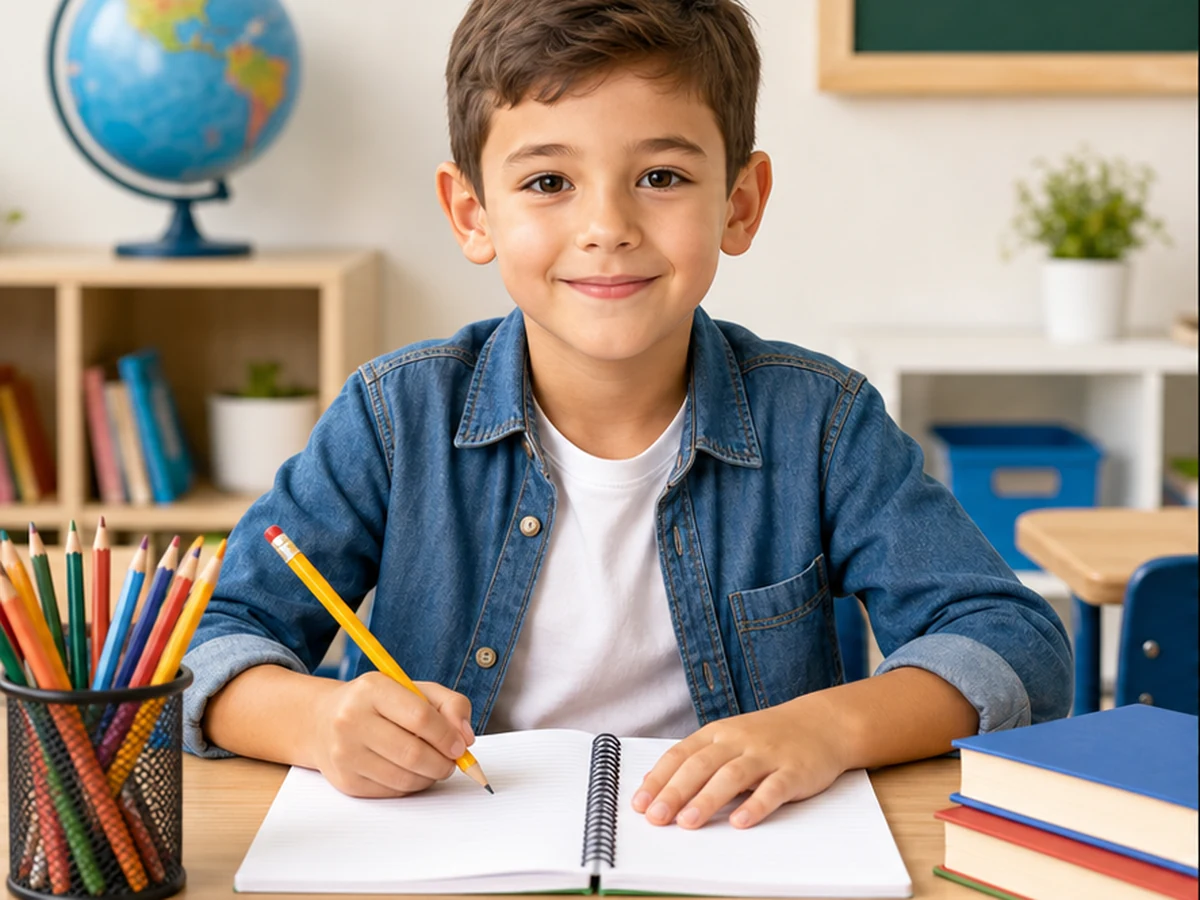
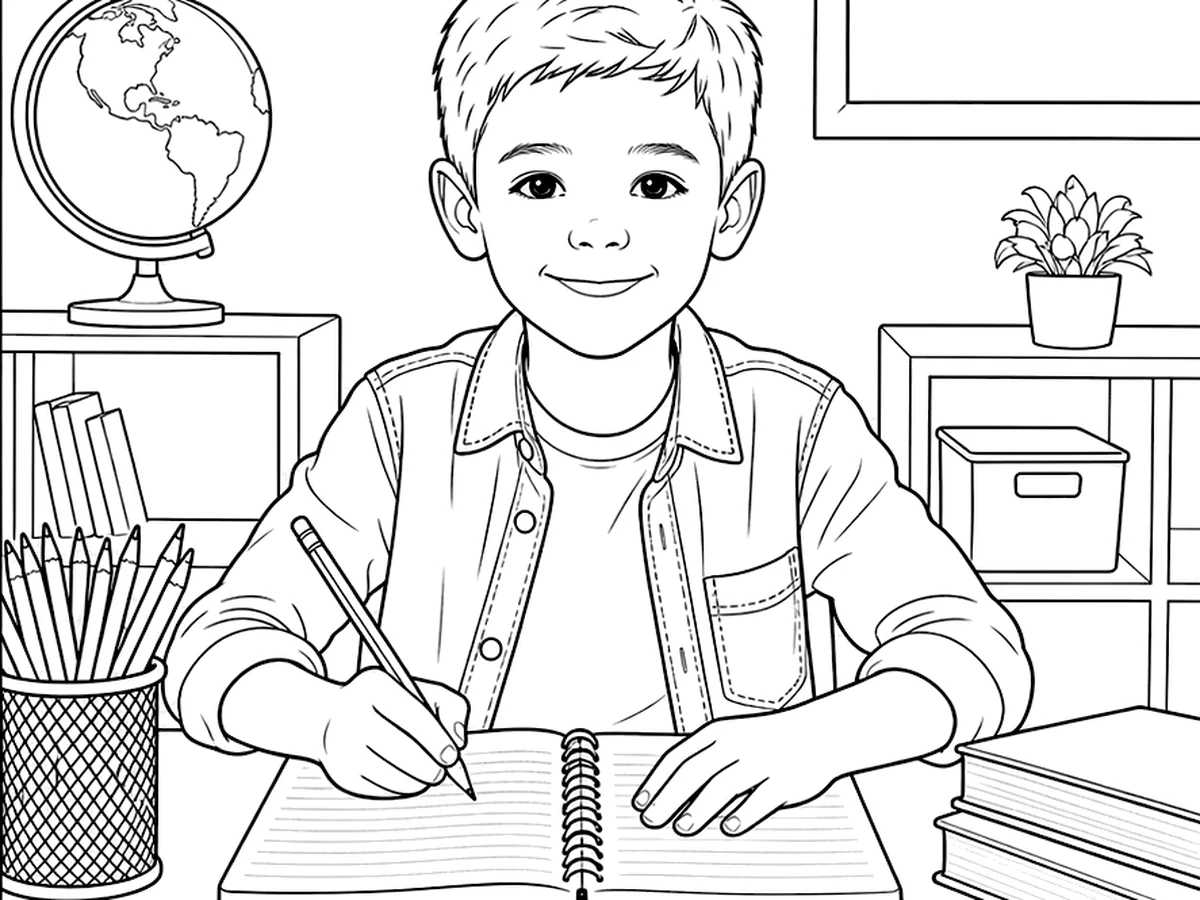
Worksheet outline result
A simple photo to coloring page workflow for home, school, and creative projects.
Choose a clear photo with one main subject.
Select detail level, line thickness, and the style you prefer.
Get your coloring page PNG and start creating.
Use our photo to coloring page converter to turn family pictures, classroom images, pet photos, and creative references into printable coloring pages.
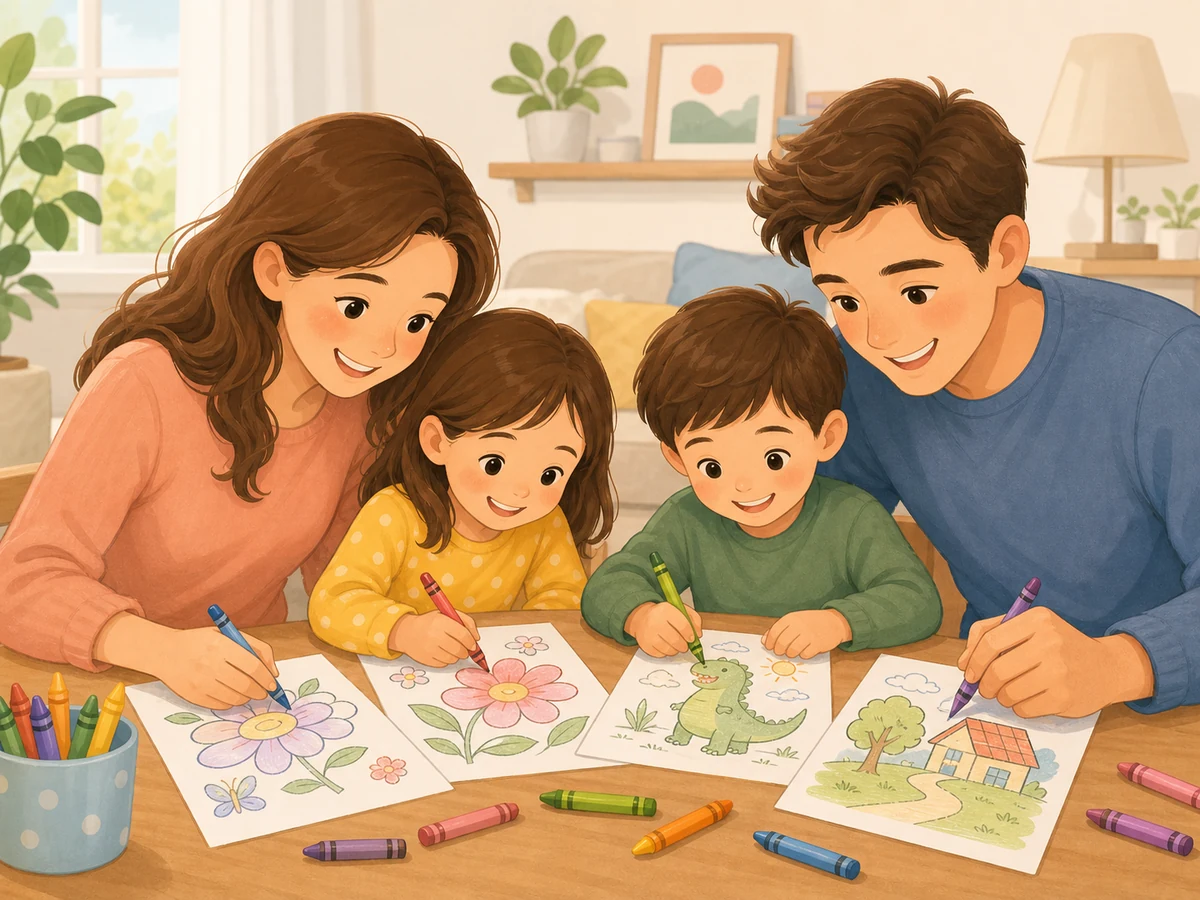
Turn family photos, kids’ portraits, and pet pictures into printable coloring pages for weekend activities, birthdays, and home craft time.
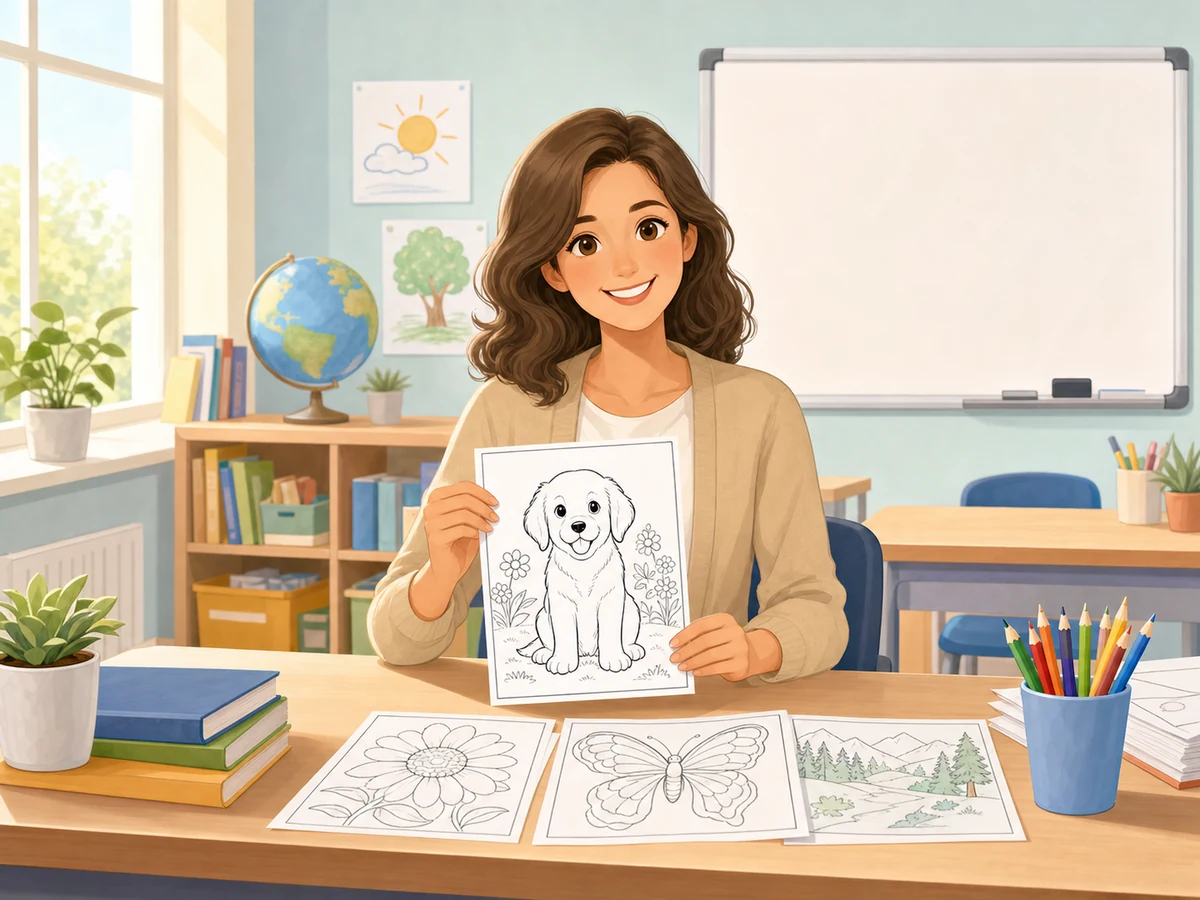
Create simple printable coloring worksheets from lesson images, animals, objects, or seasonal themes for classroom activities.
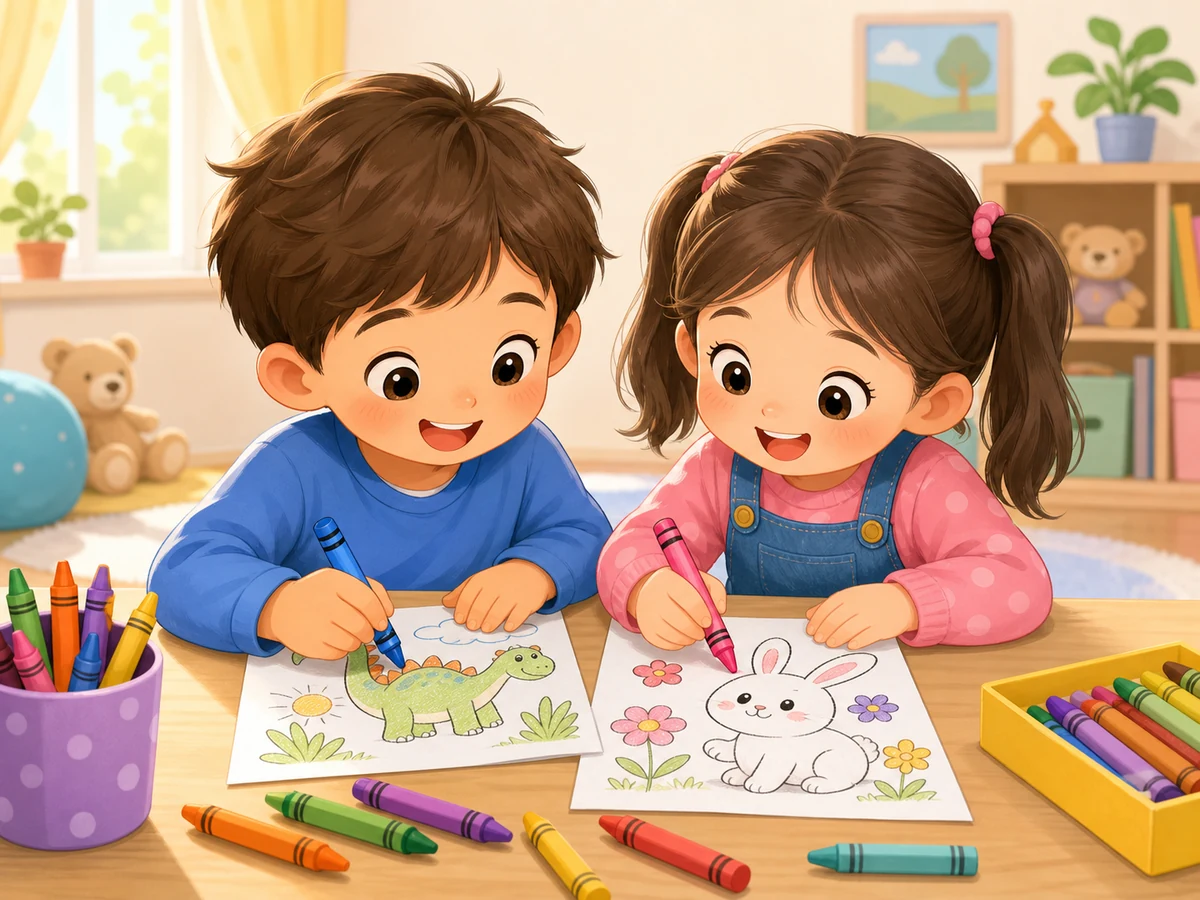
Convert familiar photos into easy coloring pages with clean outlines, bold lines, and simple shapes that are fun for children to color.
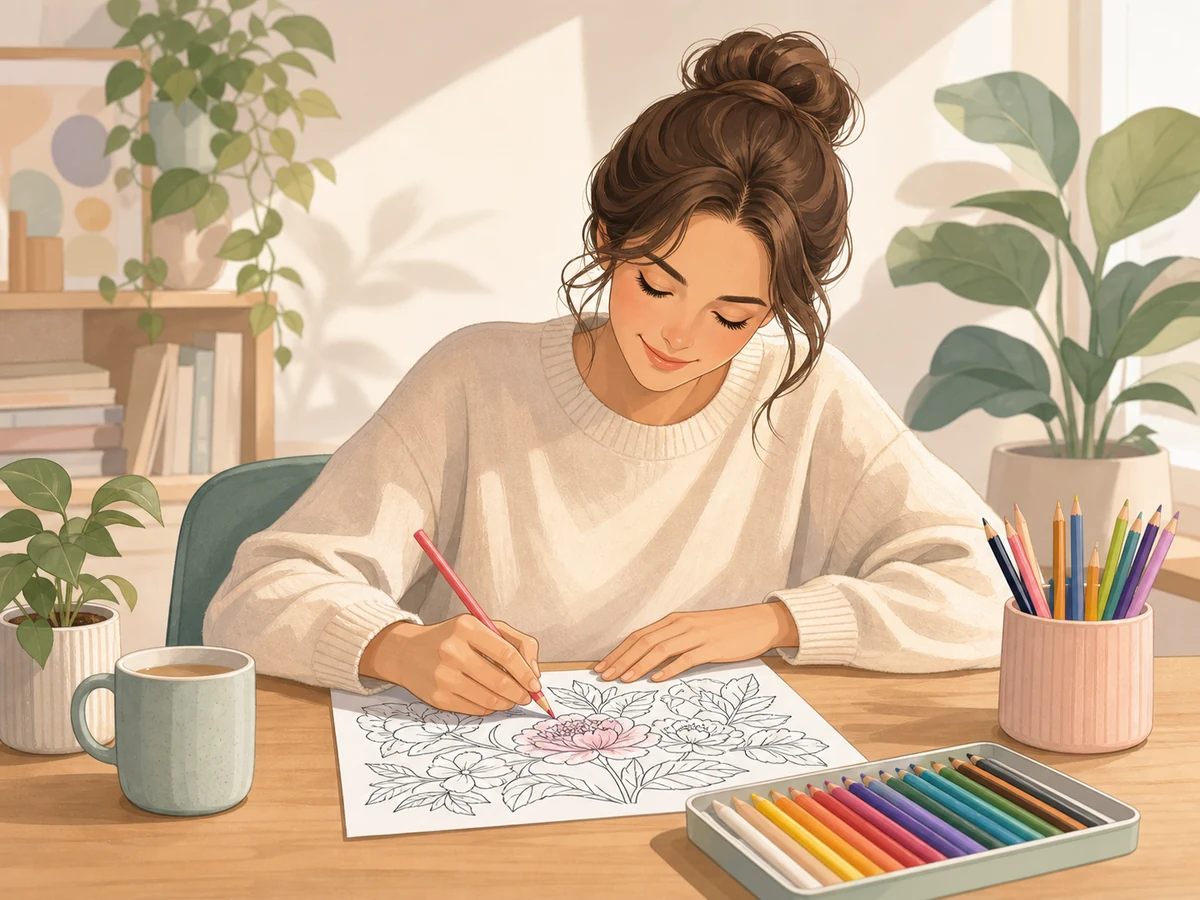
Make custom coloring pages from travel photos, portraits, flowers, food images, and creative references for relaxing art projects.
A photo to coloring page converter turns an ordinary picture into clean black outlines that are easy to print and color. Instead of tracing the subject by hand, you upload a file, choose how much detail to keep, set the line thickness, and save a printable coloring page as a PNG. The goal is not to make a perfect art copy of the original image. The goal is to simplify the picture so kids, students, and hobby artists have clear spaces to fill with pencils, markers, or crayons.
Good source images make a big difference. A bright portrait, a pet sitting against a plain wall, a favorite toy on a desk, or a simple flower close-up will usually produce cleaner results than a dark scene with many small objects. If the background is busy, crop the picture before uploading or choose a simpler detail level. Faces, paws, leaves, windows, and other strong edges convert well because the browser can detect the shapes and keep the important parts while dropping visual noise.
The settings help you match the page to the person who will color it. Simple mode removes small texture and works well for younger children. Balanced mode keeps enough detail for family pictures, classroom worksheets, and weekend crafts. Detailed mode is better for older kids or adults who enjoy more line work. Thin lines feel delicate, medium lines are reliable for most printers, and bold lines are easier to see when a child colors quickly or presses hard on the paper.
When people compare photo to line art with a coloring sheet, the difference is usually the amount of cleanup. Pure line extraction can preserve every wrinkle, shadow, and tiny edge, which may look impressive on screen but become messy on paper. A good coloring result leaves more white space, strengthens the main contour, and removes marks that do not help the activity. That balance makes the output practical for home printers, art tables, lesson plans, holiday crafts, and quiet-time folders.
Teachers can use the tool to make custom pages from lesson images without searching through generic clip art. A science class can outline leaves, insects, rocks, or planets. A language lesson can turn familiar objects into vocabulary sheets. Parents can build a small craft set from family photos, vacation memories, birthday pictures, or a child's own toys. Makers and scrapbookers can also create simple pages for cards, party favors, journals, and themed activity packs.
For the best printable coloring page, start with a high-resolution image, place the main subject near the center, and avoid heavy filters before uploading. Preview the result before printing, then adjust the line weight if the page looks too faint or too dense. If you plan to share the file with a class or group, download the PNG once and print copies from the saved file so every sheet uses the same clean outline.
Privacy is another reason to use a browser-based workflow. The conversion happens on your device, so personal portraits, classroom snapshots, and family memories do not need to be sent to a remote server just to make a simple activity sheet. That also keeps the process fast: you can test a few crops, compare thin and bold outlines, and download the version that looks best before anyone starts coloring. If a result feels too busy, choose a simpler setting or upload a closer crop of the subject.
Quick answers about free use, privacy, printable quality, and classroom-friendly photo to coloring page workflows.
Start with a demo or upload your own picture to generate a clean outline locally in your browser.